Predicting Solubility with Rowan
Rowan's solubility workflow predicts temperature-dependent solubility of solutes in a variety of solvents using fastsolv and aqueous solubility at room temperature using Kingfisher and a reparameterized ESOL. You can learn more about how solubility predictions work behind the scenes on our science page.
To run a solubility prediction, find your way to this screen on Rowan:
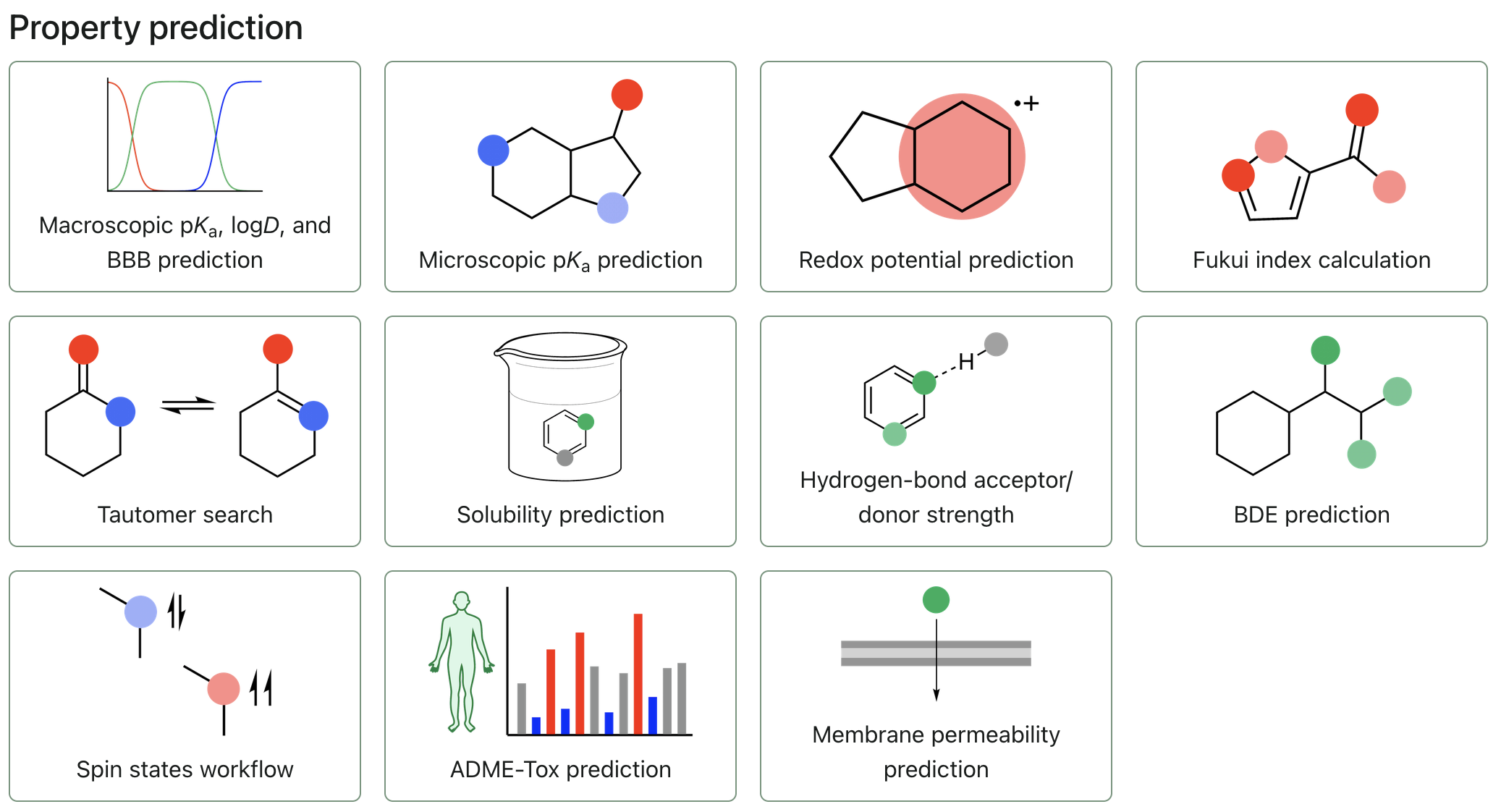
Click on "Solubility prediction" to create a new workflow.
Input a molecule
Solubility predictions in Rowan only take in individual 2D structures. You can add these by inputting SMILES strings, using our 2D editor, or by adding a 3D molecule through a file or the editor then clicking the "Convert to SMILES" icon to the right of the charge and multiplicity selectors.
Configuring solubility predictions
Choosing a method
In the dropdown, you can select a method. If you would like to predict the solubility using any non-water solvent, use fastsolv. If you would like to predict aqueous solubility, use Kingfisher or ESOL.
Choosing solvents and temperature
For fastsolv, you can choose multiple solvents and a range of temperatures at which to check the solubility of your solute. To add more solvents, click the field that says "Select solvent or input name/SMILES." Here, you can select a solvent from the dropdown, type in a SMILES sequence, or type in the molecule name for its information to be retrieved from PubChem. To remove a solvent, click the "X" symbol next to any solvent. fastsolv's aqueous solubility predictions are poor, so always use Kingfisher or ESOL when calculating aqueous solubility.
For fastsolv, a temperature range from -30ºC to 130ºC is also supported. You can set the minimum and maximum temperatures by setting your "Start (ºC)" and "Stop (ºC)" values. You can also indicate how many temperatures in between your minimum and maximum temperatures with the "Num" value. Kingfisher and ESOL only predict a single solubility at room temperature.
Submitting the workflow
Once your solubility prediction has been properly configured, click "Submit solubility" to begin the calculation.