Submitting a Double-Ended Transition-State Search
Rowan's double-ended transition-state (TS) search uses a string method (FSM or GSM) or nudged elastic band (NEB) to find the TS connecting a reactant system and a product system. You can read more about it on our science page.
To run a new double-ended TS search, find your way to this page in Rowan:
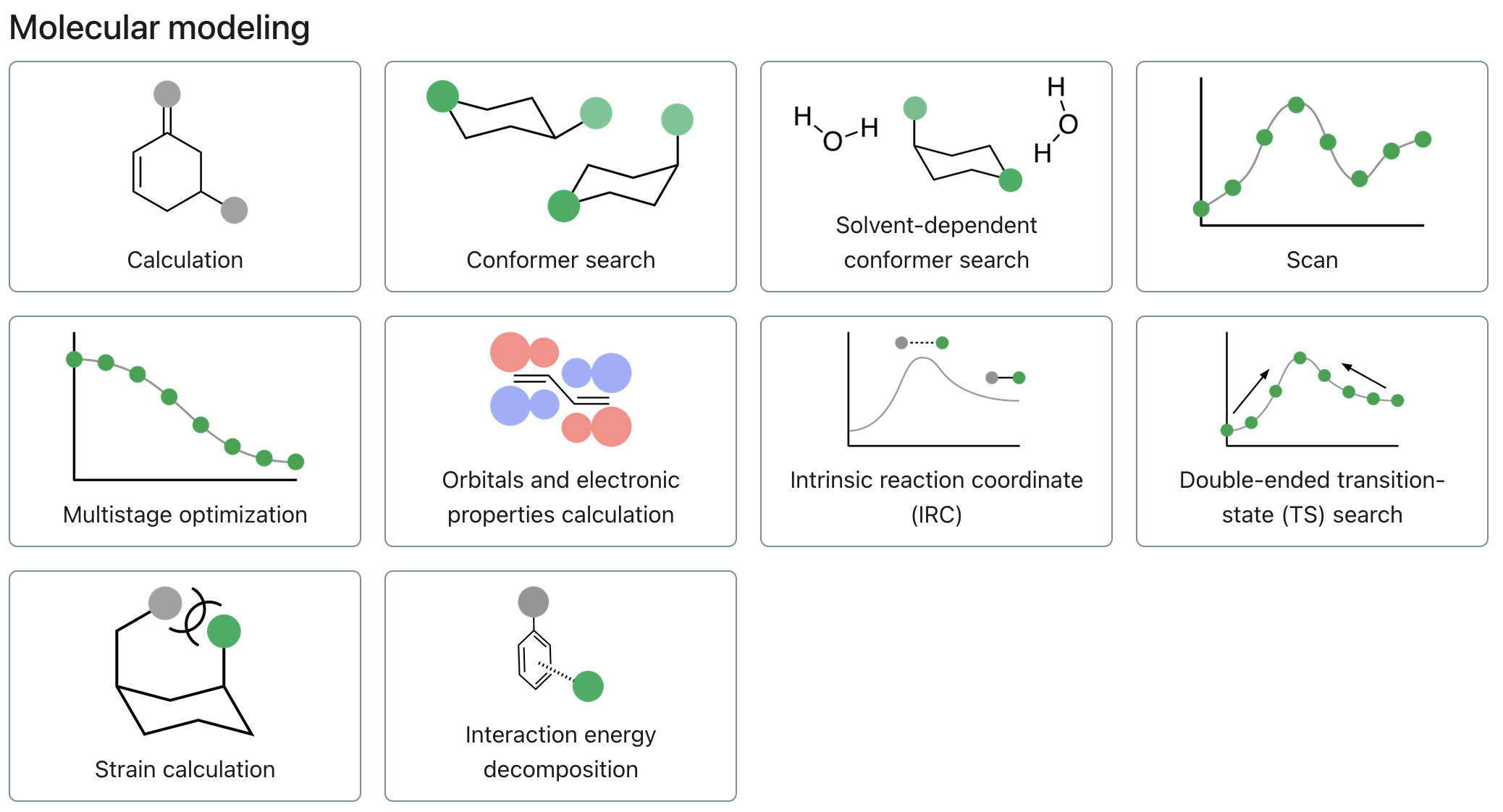
To start submitting a double-ended TS search, click "Double-ended transition-state (TS) search."
Select reactant and product geometries
The double-ended TS search takes in two separate geometries, one for the reactant geometry and one for the product geometry. These geometries must have the same number of each atom, to allow for interpolation between the geometries.
You can upload the reactant and product geometries as files, or draw them using our 3D editor. In either case, it is recommended to open each molecule in the 3D editor and ensure that corresponding reactant and product atoms bear the same indices using the reindex atoms tool.
Configuring the double-ended TS search
Level of theory
Select the level of theory you'd like to run your calculation at by choosing an appropriate method and basis set.
Rowan won't let you submit a calculation with an incomplete basis set for the molecules you've input. If any input field shows red, hover over it and read the text that will appear for information about the error.
Corrections
If the engine and method you've selected supports it, use the dropdown to select a correction.
Solvent
If the engine and method you've selected supports it, click on the solvent field to select a solvent model and solvent.
Search settings
Choose which method Rowan should use to find the guess TS: a string method (freezing/growing string method) or nudged elastic band (NEB).
If you select the string method, toggle whether nodes are frozen as they're added to the string. Freezing nodes runs the freezing string method (FSM); leaving them free to relax runs the growing string method (GSM).
For either method, use the interpolation dropdown to choose how the initial path between reactant and product is generated (e.g., geodesic, IDPP, or linear synchronous transit).
Optimize inputs
When enabled, this setting will reoptimize the starting geometries of reactant and product at the selected level of theory.
Optimize TS
When enabled, this setting will run an additional TS optimization on the guess TS found by the double-ended TS search.
Submitting the search
Once you have finished configuring your workflow, click the "Submit double-ended TS search" button to begin the calculation.