Running Macroscopic pKa Predictions in Rowan
Rowan's macroscopic pKa workflow uses Starling, a physics-informed neural network, to compute macroscopic pKa values and microstate populations, in addition to predicting isoelectric points, logD/pH profiles, pH-dependent aqueous solubility, and blood–brain-barrier (BBB) permeability. (For a more in-depth explanation of how this workflow works and why it matters, see our science page and our blog post about the difference between microscopic and macroscopic pKa.)
To create a new macroscopic pKa workflow, find this screen in Rowan:
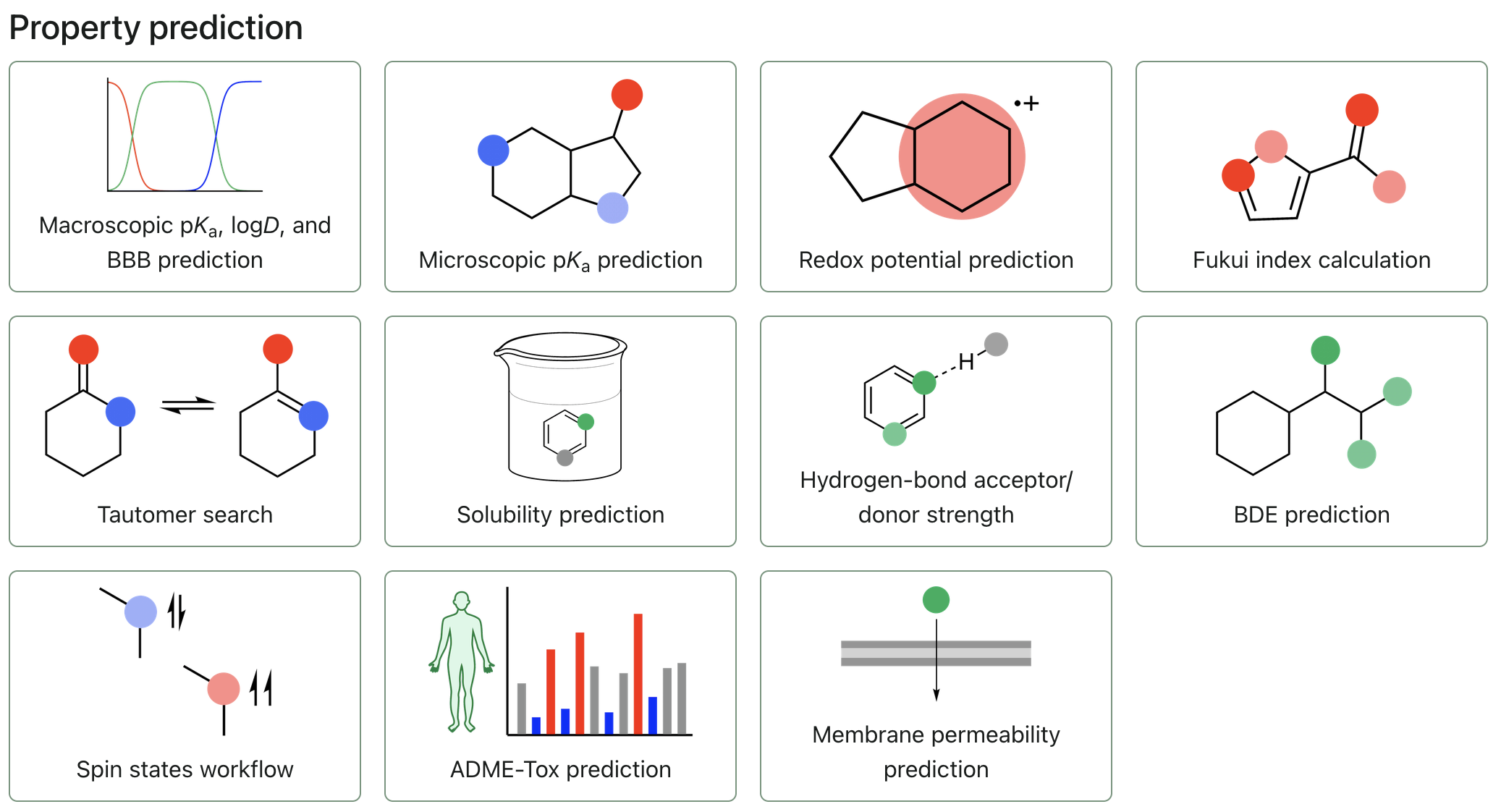
To start submitting the workflow, click "Macroscopic pKa, logD, and BBB prediction."
Adding a molecule
The macroscopic pKa workflow only takes in individual 2D structures. You can add these by inputting SMILES strings, using our 2D editor, or by adding a 3D molecule through a file or the editor then clicking the "Convert to SMILES" icon to the right of the charge and multiplicity selectors.
Configuring the workflow
Charge and pH
You can configure the pH range the macroscopic pKa workflow will analyze with the "Min pH" and "Max pH" settings.
Similarly, you can configure the minimum and maximum charges that microstates might have using the "Min charge" and "Max charge" settings.
Optional outputs
The macroscopic pKa workflow can, in addition to predicting pKa and logD, calculate pH-dependent aqueous solubility, solvation energy, and blood–brain-barrier (BBB) permeability (you can learn more about BBB permeability in this video). To enable pH-dependent aqueous solubility or solvation energy and BBB permeability, you can click on either of their corresponding switches.
Submitting the workflow
When your molecules are prepared and the workflow is properly configured, click "Submit macro pKa" to submit the workflow.