Running Rowan's Solvent-Dependent Conformer Search Workflow
Rowan's solvent-dependent conformer search workflow generates conformers of your input molecule, optimizes them, then scores them for each selected solvent using either CPCM-X or an optional COSMO-RS final correction. Read the science page for the full energy model.
To run a solvent-dependent conformer search, find your way to this screen in Rowan.
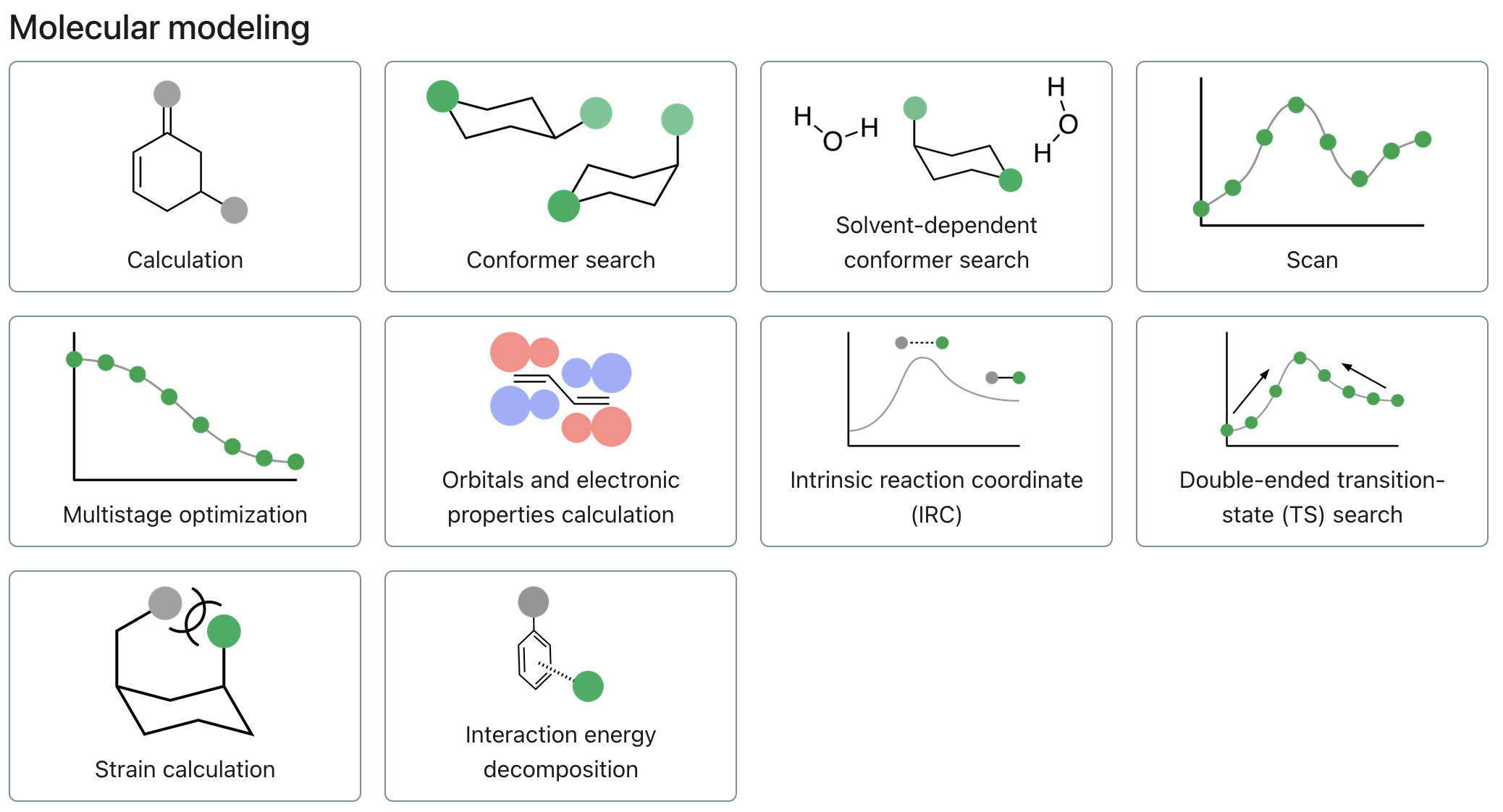
If you're currently viewing a calculation or workflow you already ran, hit the "X" icon in the top left of your screen, just below the navigation bar.
To start submitting a solvent-dependent conformer search, click "Solvent-dependent conformer search."
Select a molecule
Solvent-dependent conformer searches in Rowan are designed for individual molecules, and inputting multiple structures may not function as expected.
To add a molecule, you can use any of the following input formats:
- Draw a molecule using Rowan's 2D or 3D editors.
- Upload a file, using the "Upload files" button. (Rowan accepts .xyz, .gjf, .out, .mol2, .sdf, .cif, and .mae chemical file formats.)
- Paste XYZ coordinates, using the "Paste XYZ" button.
- Input a SMILES string, using the "Input SMILES" button.
- Input the name of the chemical, for its information to be fetched from PubChem.
- Drag and drop files anywhere on the page.
For small molecules, it's often easiest to start with a SMILES string. Many 2D molecule drawing programs, including ChemDraw and MarvinJS, will let you export/copy structures as SMILES.
Editing structures
To modify a structure you've already input, you can click the pencil icon in the top right corner of the molecule viewer and use Rowan's 3D editor.
Configuring solvent and conformer generator
Solvents
To select your solvents, click the "Select solvents" field to open a dropdown, and click on your desired solvents to add them. By default, the solvents hexane, octanol, chloroform, dimethylsulfoxide, and water are selected.
Conformer generator
Click on the conformer generator dropdown to select the conformer generator you would like to use. Rowan currently supports the iMTD (CREST) and openconf conformer generators.
The energy window determines the range above the lowest energy conformer in which conformers will be saved.
Final correction
The final correction controls how solvent effects are calculated after conformer optimization:
- CPCM-X is the default and provides the faster option.
- COSMO-RS is a higher-cost, more accurate option. Rowan calculates one COSMO surface per retained conformer and reuses it for every selected solvent.
For each conformer and solvent, Rowan combines the multistage-optimization electronic energy, a GFN2-xTB RRHO thermal correction, and the selected solvation treatment. It uses the resulting free energies to calculate solvent-specific populations and ensemble free energies at 298.15 K.
Submitting the workflow
Press the "Submit solvent conformers" button to submit the workflow.