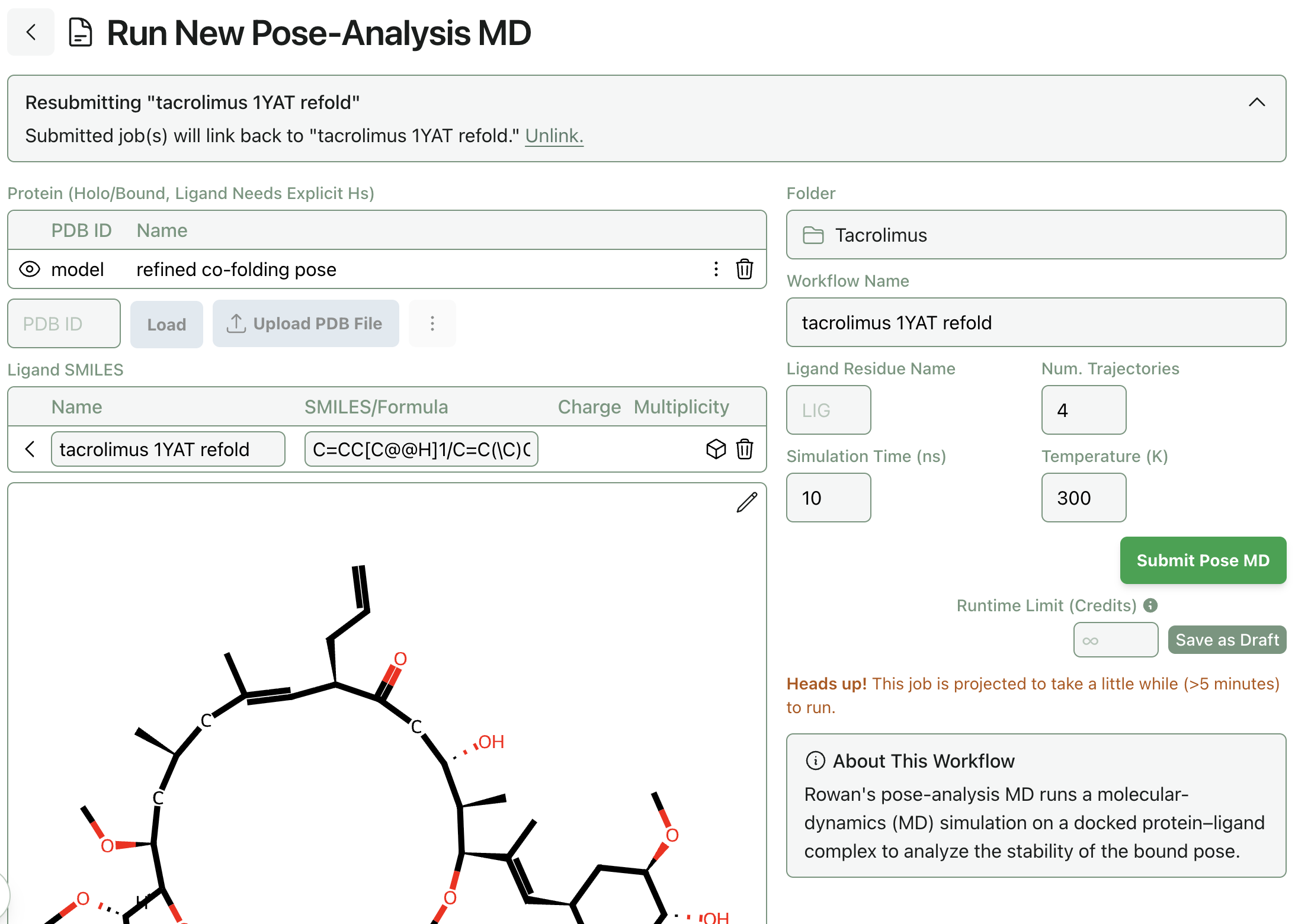
Running Pose-Analysis Molecular Dynamics
Resubmit from docking or co-folding job
Starting from a completed docking or co-folding job that was run with pose refinement (the toggle with label "Refine pose(s)?"), find the pose you wish to use a starting structure for your molecular dynamics. With this pose selected, hit "Resubmit."
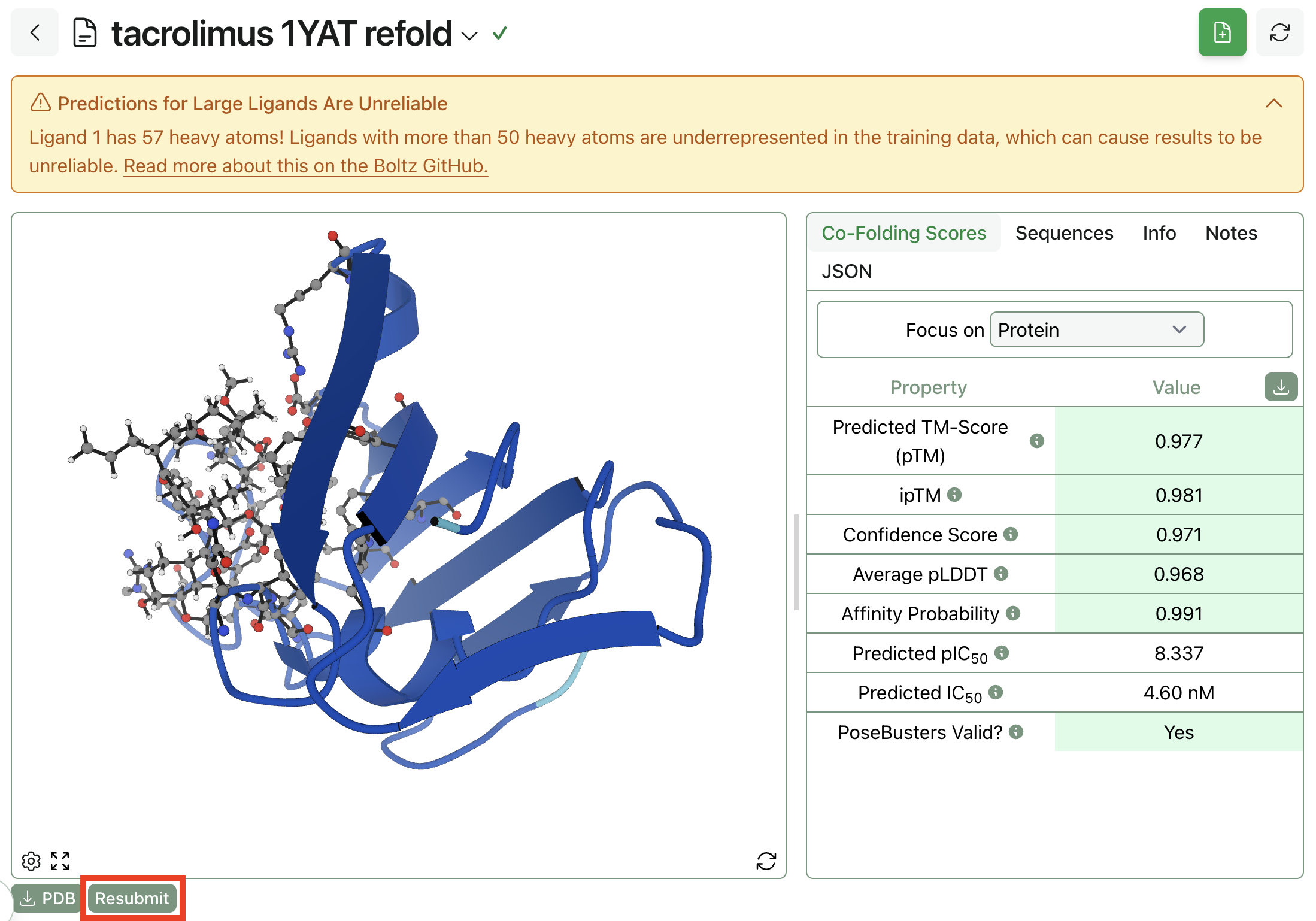
Choose a refined bound pose
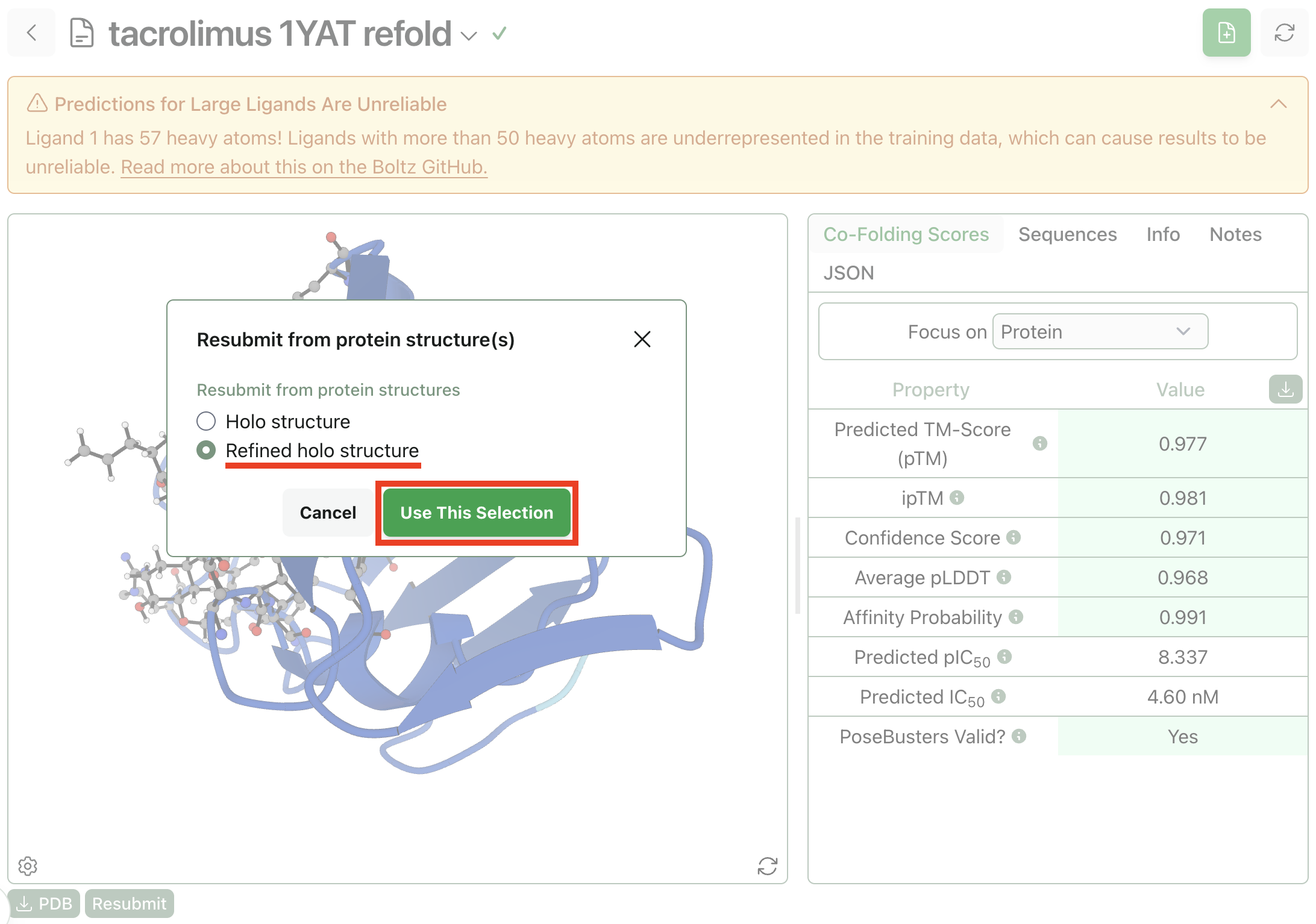
Inside the resubmit modal, be sure to choose a structure that is both "bound" or "holo" (meaning the ligand is present) and "refined" (meaning hydrogens were added to the ligand).
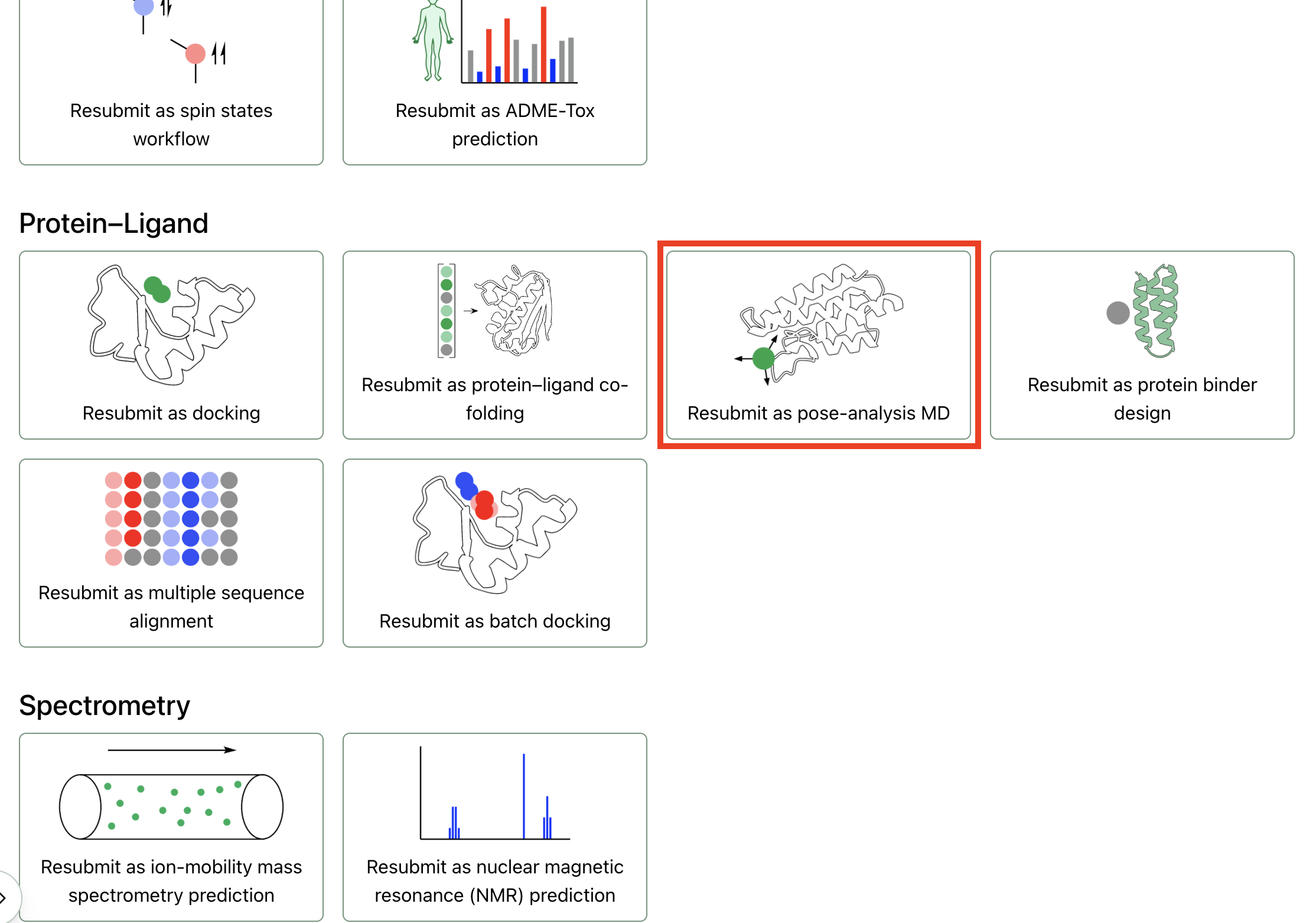
Select "pose-analysis molecular dynamics"
Once on the "Resubmit" page, select the pose-analysis MD workflow via its icon:
Add hydrogens (if necessary)
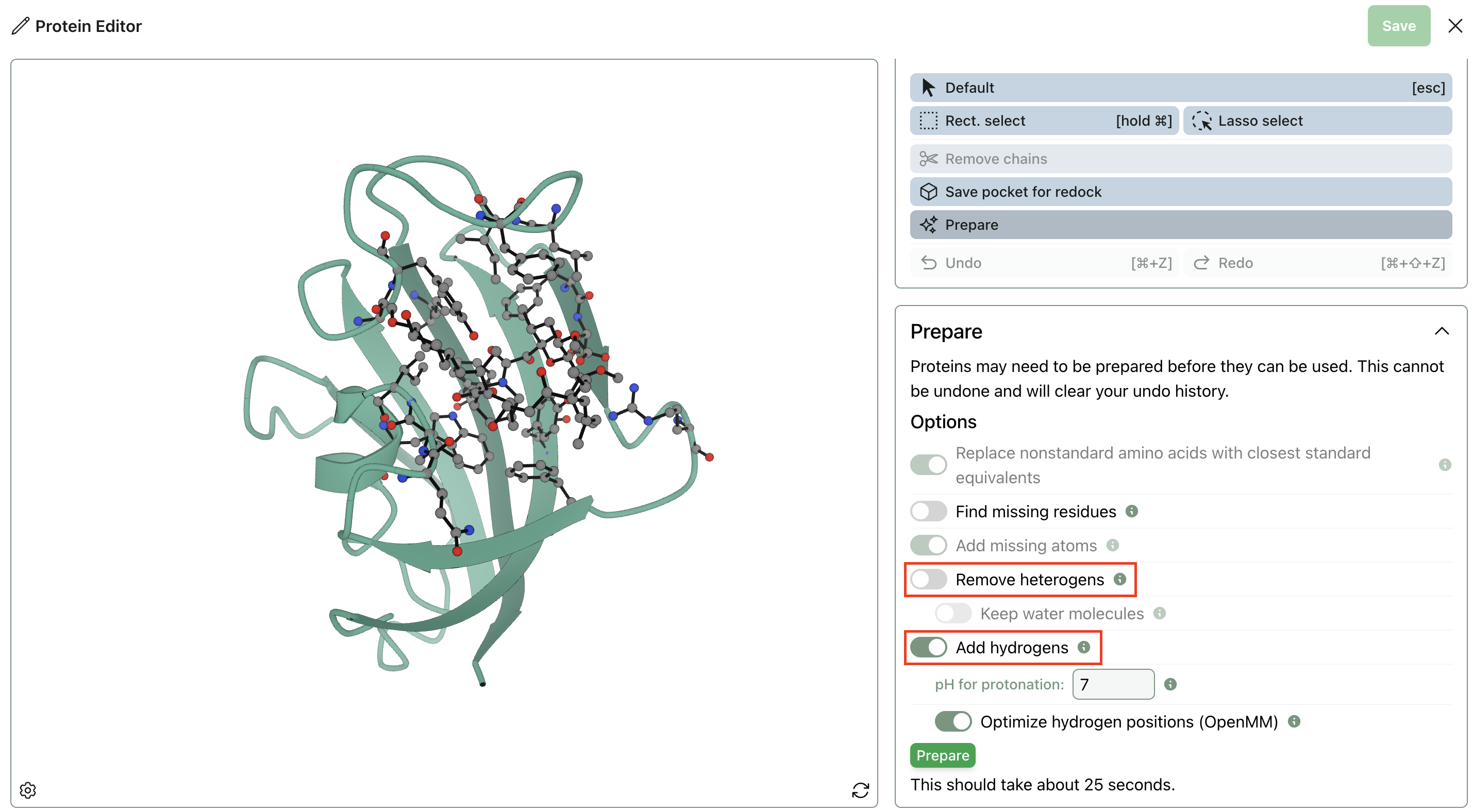
Protein–ligand complexes produced by co-folding jobs may lack hydrogens. To add hydrogens at a given pH to the residues of a protein, use the "Prepare" tool inside Rowan's protein editor. Be sure to deselect "Remove heterogens" so that the bound ligand isn't removed from the complex.
Submit pose-analysis MD job
Once you've got a prepared protein system that passes the "System compatibility check," choose your desired settings and hit "Submit." Happy computing!