Submit an Interaction Energy Decomposition Workflow
Rowan's interaction energy decomposition workflow uses symmetry-adapted pertubation theory (SAPT) to decompose a dimer interaction energy into various interpretable terms. To make a new interaction energy decomposition workflow, find your way to this screen in Rowan:
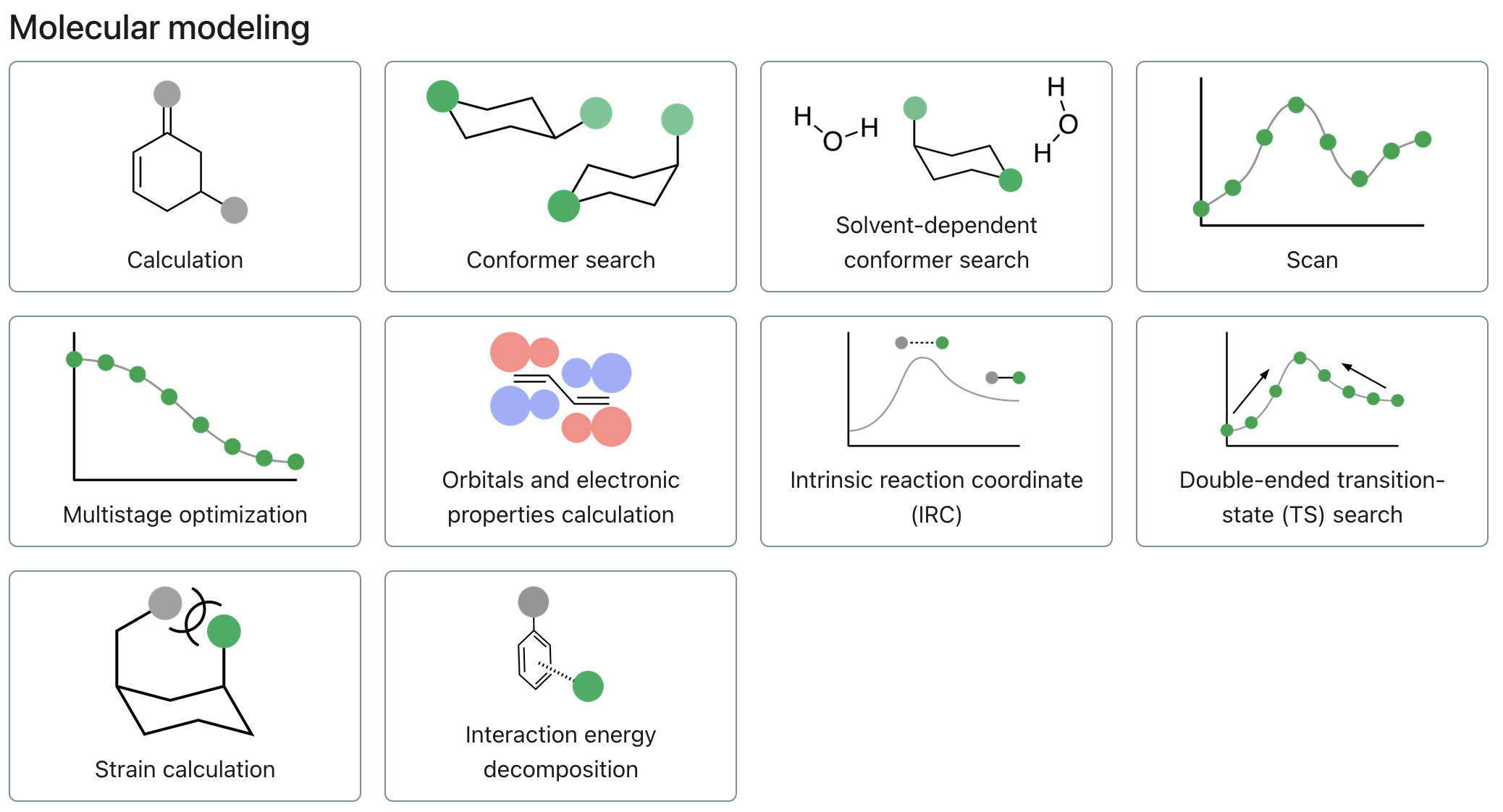
Click "Interaction energy decomposition" to start a new workflow.
Select your dimer
The interaction energy decomposition workflow takes in dimers, so you need to submit a geometry with both monomers in one structure.
To add a molecule, you can use any of the following input formats:
- Draw a molecule using Rowan's 2D or 3D editors.
- Upload a file, using the "Upload files" button. (Rowan accepts .xyz, .gjf, .out, .mol2, .sdf, .cif, and .mae chemical file formats.)
- Paste XYZ coordinates, using the "Paste XYZ" button.
- Input a SMILES string, using the "Input SMILES" button.
- Input the name of the chemical, for its information to be fetched from PubChem.
- Drag and drop files anywhere on the page.
For small molecules, it's often easiest to start with a SMILES string. Many 2D molecule drawing programs, including ChemDraw and MarvinJS, will let you export/copy structures as SMILES.
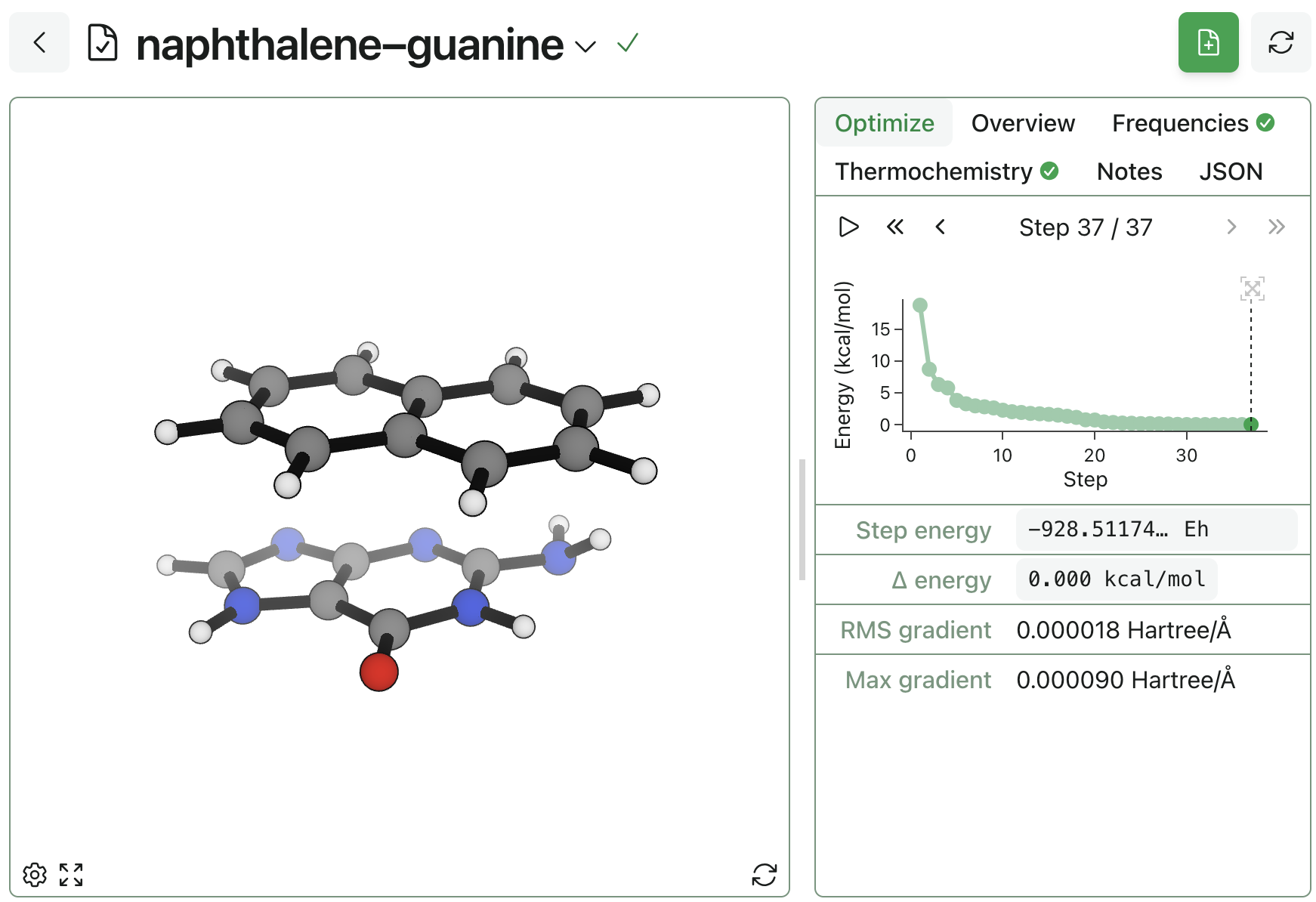
It is best practice to run a geometry optimization on your dimer before running the interaction energy decomposition workflow on the optimized structure.
Configuring the interaction energy decomposition workflow
Energy decomposition settings
Rowan currently only supports SAPT0/jun-cc-pVDZ to calculate interaction energy decomposition.
Fragment 1 indices
For this workflow to work, you need to input the indices of one of your fragments. The easiest way to do this is to click into the atom index box, then double click one of your fragments. This will select the entire fragment and input the indices into the boxes automatically.
You can also do this manually by clicking individual atoms, or inputting the indices one number at a time, using the "Add" button to add index boxes as needed.
Submitting the workflow
To submit the workflow, click the "Submit SAPT" button.