Submitting an Intrinsic Reaction Coordinate (IRC) Workflow
Rowan's IRC workflow works by taking in an optimized transition-state geometry and taking steps along the steepest energy descent in "forward" and "backward" directions away from the transition state. You can read more about IRC workflows on our science page.
To run a new IRC workflow, find your way to this page in Rowan:
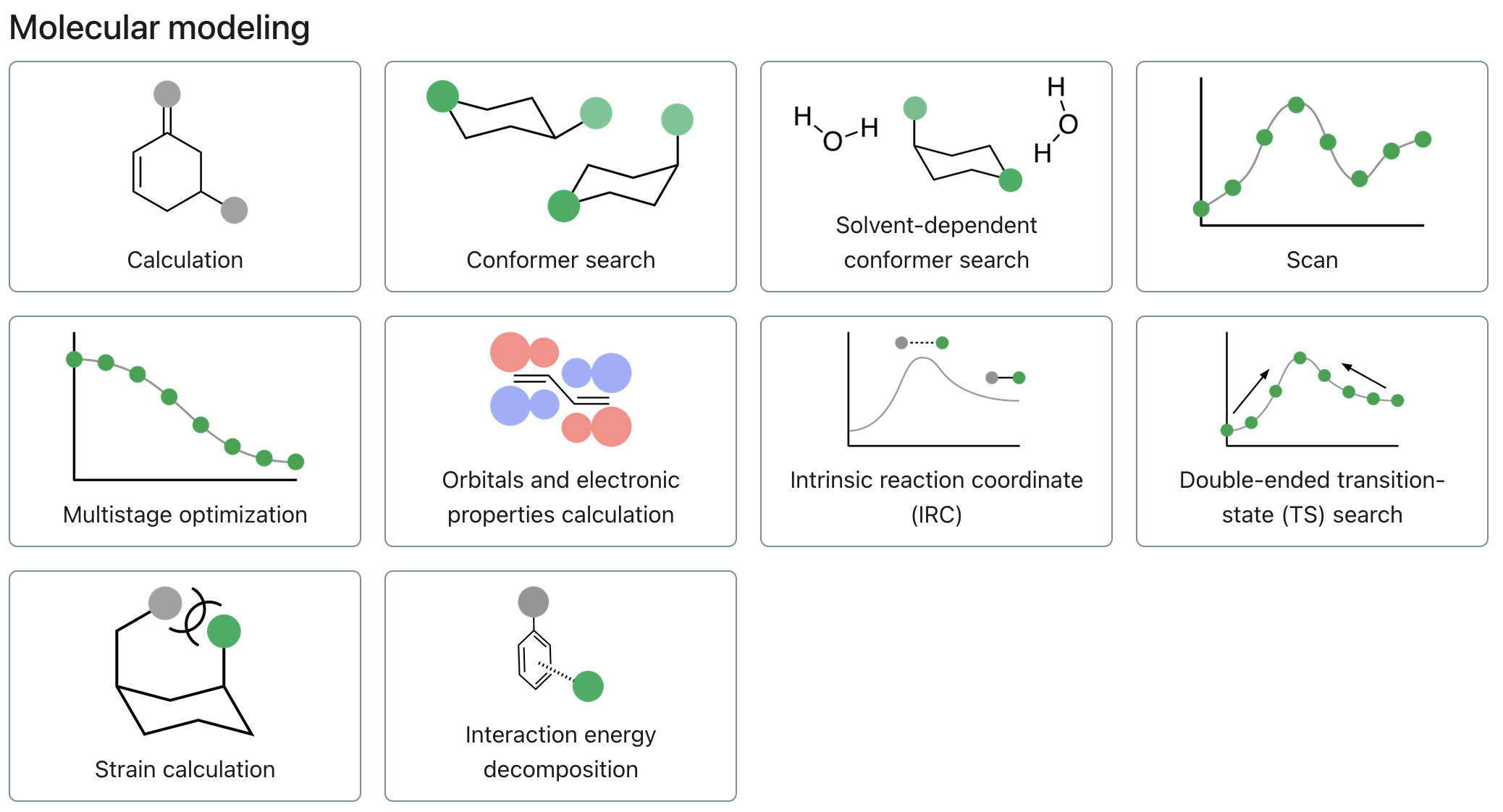
To start submitting an IRC workflow, click "Intrinsic reaction coordinate (IRC)."
Select a transition state
Because the IRC workflow takes in transition-state geometries, it is recommended to find your transition state using a transition-state optimization. Then, resubmit the resulting transition state as an IRC calculation.
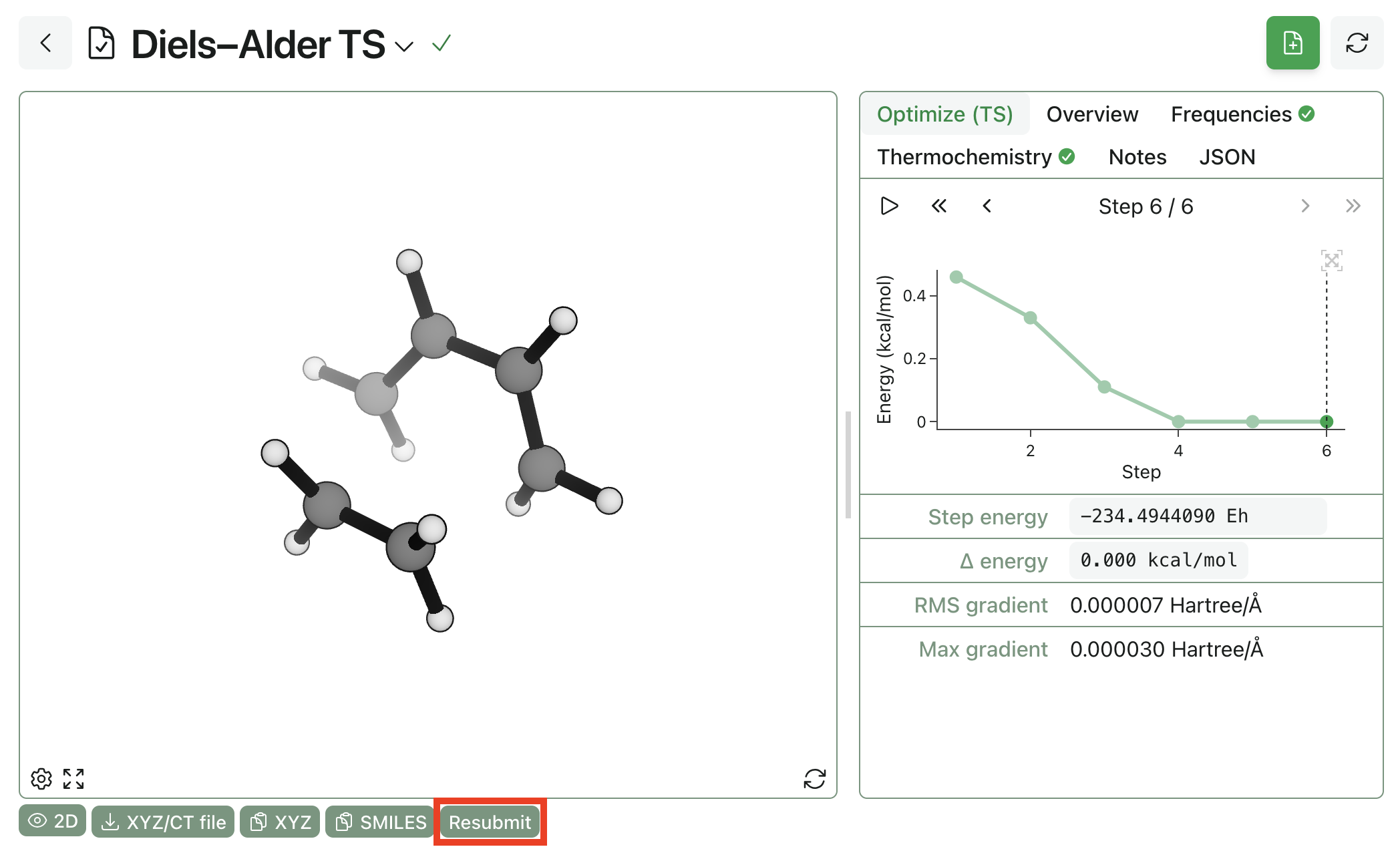
If you have a existing transition-state geometry, you can also upload it into a new IRC workflow instead by uploading it using one of the supported file formats or pasting its XYZ coordinates.
Editing structures
To modify a structure you've already input, you can click the pencil icon in the top right corner of the molecule viewer and use Rowan's 3D editor.
Charge and multiplicity
Make sure to set the charge and spin multiplicity for your selected molecule.
Configuring the IRC workflow
Level of theory
Select the level of theory you'd like to run your calculation at by choosing an appropriate method and basis set.
Rowan won't let you submit a calculation with an incomplete basis set for the molecules you've input.
If any input field shows red, hover over it and read the text that will appear for information about the error.
Corrections
If the engine and method you've selected supports it, use the dropdown to select a correction.
Solvent
If the engine and method you've selected supports it, click on the solvent field to select a solvent model and solvent.
Re-optimize TS
Because the IRC starts with an optimized transition state, enabling re-optimize TS will run another TS optimization on the input geometry. Useful if starting with a guess transition state.
Max IRC steps
Determines the maximum number of steps away from the transition state the workflow will take.
Step size
The size of the steps that the IRC will take in amu1/2·Å.
Optimize endpoints
Enabling this will run a geometry optimization on the final structure at each end of the IRC path, giving you fully relaxed reactant- and product-like minima in addition to the IRC path itself. This is useful for computing accurate barrier heights, since the IRC endpoints themselves aren't fully relaxed.
Submitting the workflow
Once you have finished configuring your workflow, click the "Submit IRC" button to begin the calculation.