Submitting a Strain Calculation
Rowan's strain calculation workflow computes the strain of a specific pose by running a harmonically-constrained optimization on the input conformer and comparing it the global minimum found in a conformer search. You can read more about it on our science page.
To run a new strain calculation, find your way to this screen on Rowan:
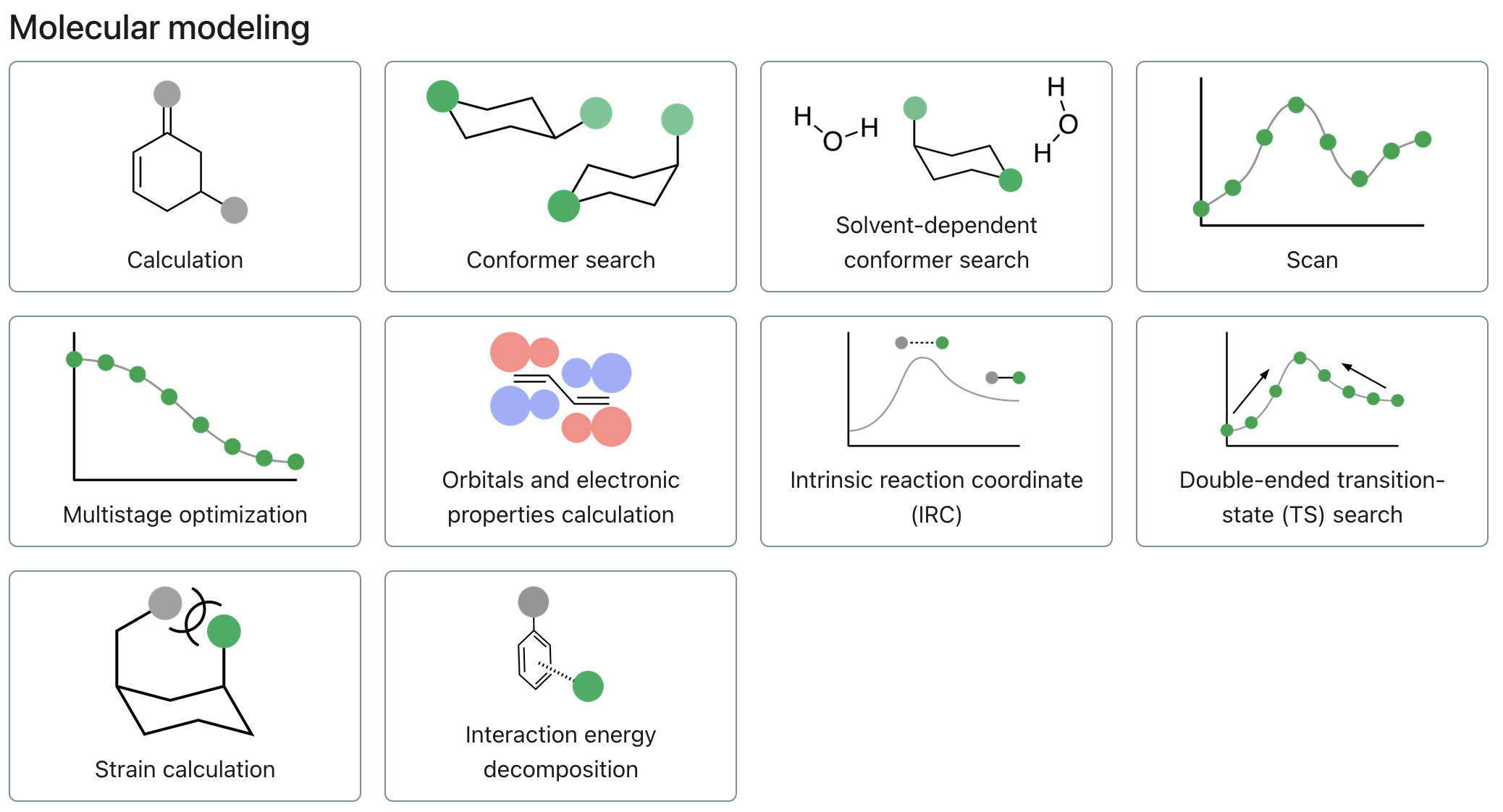
To start submitting a strain calculation, click "Strain calculation."
Select a molecule
Strain calculations in Rowan are designed for individual molecules, and although multiple structures are supported, they may not function as expected.
To add a molecule, you can use any of the following input formats:
- Draw a molecule using Rowan's 2D or 3D editors.
- Upload a file, using the "Upload files" button. (Rowan accepts .xyz, .gjf, .out, .mol2, .sdf, .cif, and .mae chemical file formats.)
- Paste XYZ coordinates, using the "Paste XYZ" button.
- Input a SMILES string, using the "Input SMILES" button.
- Input the name of the chemical, for its information to be fetched from PubChem.
- Drag and drop files anywhere on the page.
For small molecules, it's often easiest to start with a SMILES string. Many 2D molecule drawing programs, including ChemDraw and MarvinJS, will let you export/copy structures as SMILES.
Editing structures
To modify a structure you've already input, you can click the pencil icon in the top right corner of the molecule viewer and use Rowan's 3D editor.
Configuring strain calculation
Conformer search
Click on the conformer search dropdown to select the conformer search settings you would like to use. Rowan currently offers the ETKDG (RDKit), iMTD (CREST), MCMM, and openconf conformer generators.
The energy window determines the range above the lowest energy conformer in which conformers will be saved, and the max conformers determines how many conformers the workflow will optimize and test.
Optimization method
In the optimization method dropdown, you can configure your optimization to be single-stage or multi-stage, what method each stage will use, and configure if the final single-point energy will be calculated by a method other than the final optimization method.
Harmonic constraint spring constant
To change the harmonic constraint spring constant (kcal/mol/Å), you can change the value in the number field. The default value is 5 kcal/mol/Å.
Constrain hydrogens
Whether hydrogens are restrained in addition to the molecule's heavy atoms.
Submitting the workflow
Once you have finished configuring your workflow, click the "Submit strain" button to begin the calculation.